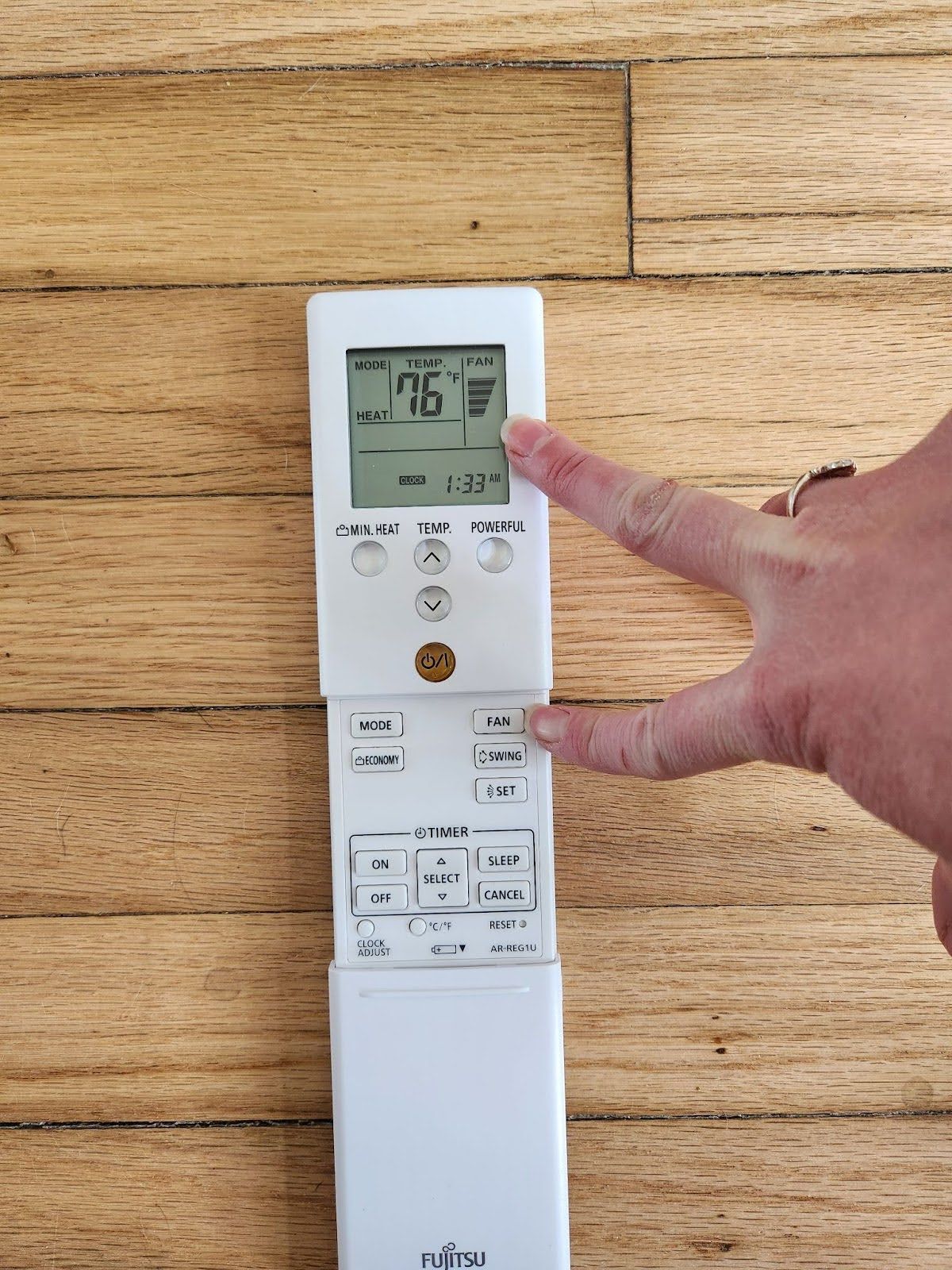
How to Use Your Fujitsu Mini Split System
1. Power On / Off
- Locate the
remote control (usually labeled “Fujitsu”).
- Press the
ON/OFF button to turn the unit on or off.
- A green light on the indoor unit will indicate it’s operating.
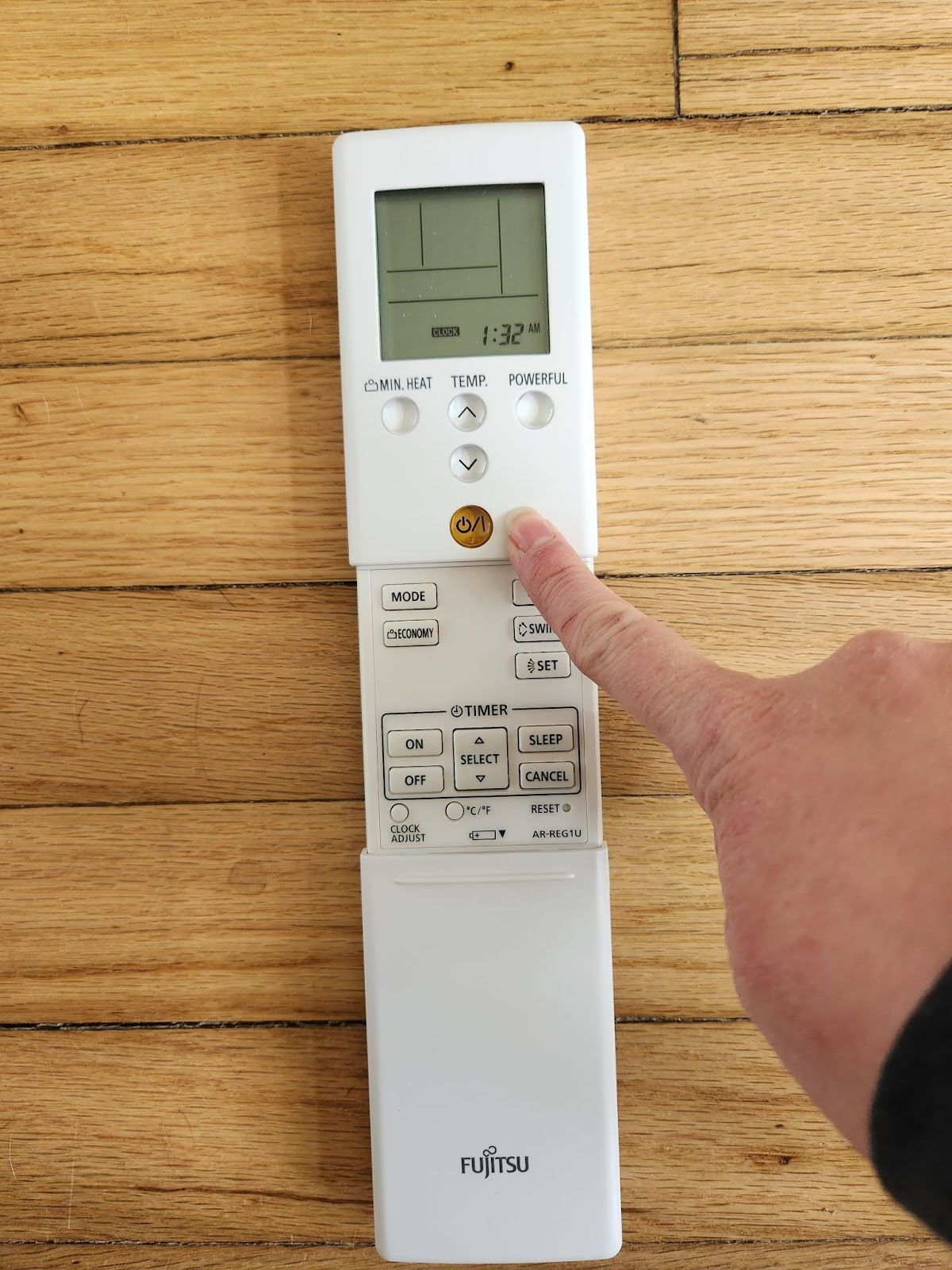
2. Select the Operating Mode
Press the MODE button repeatedly to cycle through the available modes:
- Cool (❄️) – for cooling.
- Heat (🔥) – for heating.
- Dry (💧) – for dehumidifying.
- Fan (🌀) – for air circulation only.
- Auto (A) – automatically switches between heating and cooling as needed.
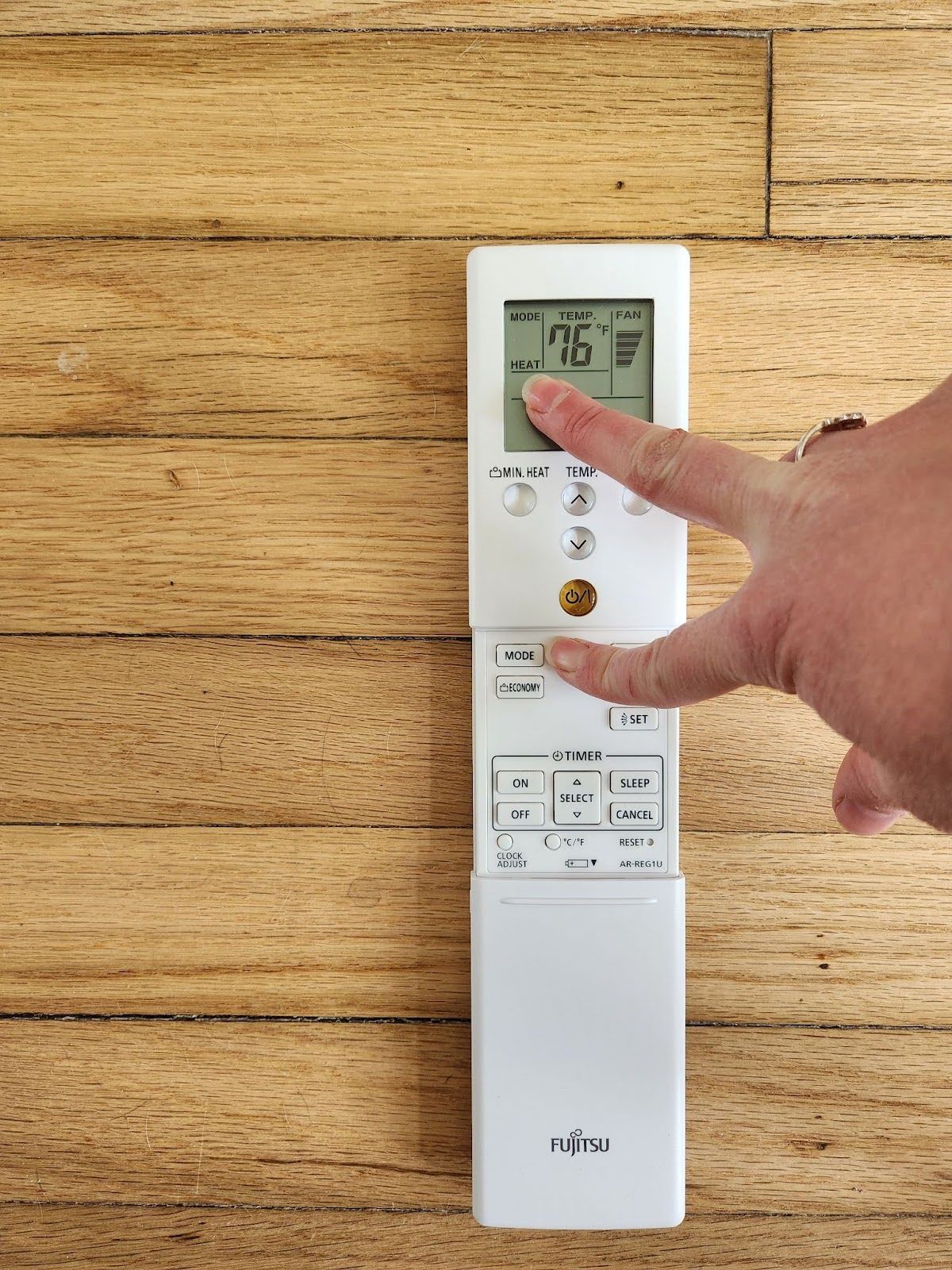
3. Adjust the Temperature
- Use the
TEMP ▲ / ▼ buttons to set your desired temperature.
- Typical comfort ranges:
- Cooling: 72–76°F (22–24°C)
- Heating: 68–72°F (20–22°C)
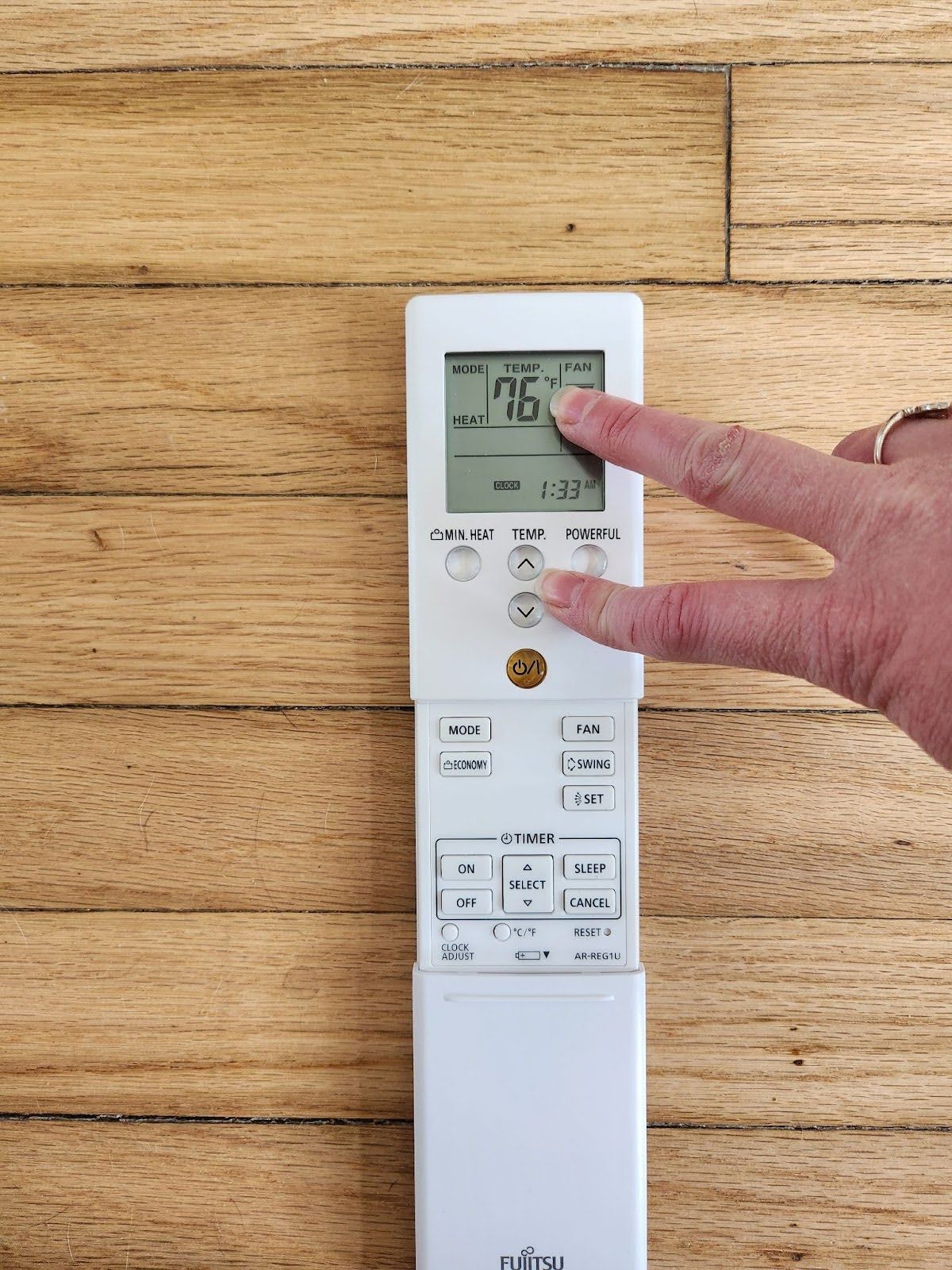
4. Set the Fan Speed
- Press the
FAN button to adjust airflow speed:
- AUTO – system adjusts speed automatically.
- LOW / MED / HIGH – manually control fan strength